If your appliance has power but refuses to start, don’t rush to call a repair technician. Learn these critical checks you should perform first to avoid misdiagnosis and wasted money.
When an appliance won’t start, most people assume something inside is broken.
That assumption is expensive.
The lights are on. Displays work. Buttons respond. Nothing happens.
Before you call for service, there are a few checks worth doing first. Not because you should fix the appliance yourself, but because many service calls end with a simple reset, latch issue, or overlooked setting that you would be disappointed you didn’t catch before spending the money.
This article is about ruling out the obvious before you pay someone to tell you the same thing.
What “Has Power” Actually Means
Seeing a light or display does not mean the appliance is fully operational.
Most modern appliances have separate circuits for controls, safety mechanisms, and the motor. One part can have power while another is blocked, interrupted, or disabled. That partial state often looks like a failure even when it isn’t.
This is where a lack of understanding can lead to expensive repair calls or replacements.
Check the Door, Lid, or Latch First
Many appliances are designed to refuse operation if they believe they are open or unsafe.
Washers, dryers, dishwashers, and microwaves rely on door or lid switches. If the appliance does not sense a secure closure, it will not start.
Things to check:
- Doors that feel closed but never click
- Lids that bounce back slightly when pressed
- Dishwasher doors that need inward pressure while pressing start
- Microwaves that power on but never engage
If the appliance starts when you apply pressure to the door or lid, you have likely found the issue.
Look for Hidden Reset Conditions
Appliances often refuse to start if they believe a previous cycle did not finish correctly.
This can happen after a power interruption, stalled cycle, or safety timeout. The appliance is not broken. It is waiting.
Common signs:
- Start button works, but nothing happens
- Display resets, but the cycle never begins
- Appliance hums briefly and stops
Unplugging the appliance for a full minute, not five seconds, often clears this state. This is not a repair. It is a reset.
Confirm It Isn’t Locked Out by Design
Some appliances look idle when they are actually locked.
Child locks, control locks, delayed start modes, and safety lockouts are easy to activate accidentally.
If buttons don’t respond normally or input is ignored, check the control panel for lock icons or indicators. Many locks require holding two buttons at once to disable.
This is one of the most common “nothing is wrong” outcomes.
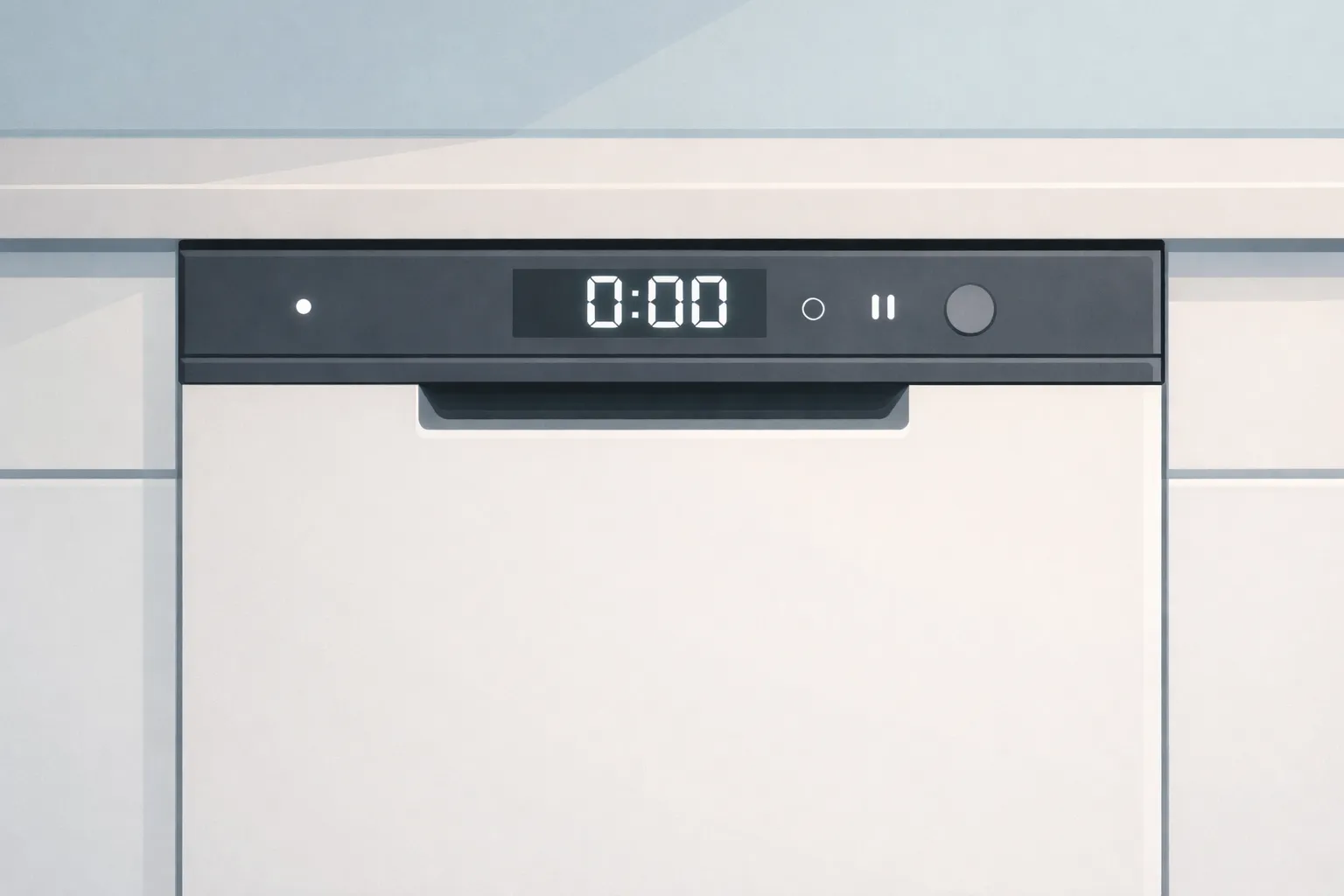
The dishwasher has power but won’t start
One day, after a couple of years in the house, the dishwasher stopped running even though it had power.
The control panel lit up. Buttons responded. It looked like a failure.
The issue turned out to be under the sink.
A previous owner had installed slide‑out shelving for storage. Over time, every trip under the sink to grab sponges or cleaner caused the shelving to lightly bump the hot water supply valve. After enough bumps, that valve slowly rotated toward closed.
Because the dishwasher still had power, it never looked like a water issue at first glance. But once I checked supply instead of assuming a broken appliance, the cause was obvious. Turning the valve back on fixed it immediately.
No parts. No repair. No service call.
That kind of situation is exactly why these checks matter. It’s the sort of thing you kick yourself for missing once you see it.
Verify Supply, Not Just Power
As you can see from the example above, power alone does not run appliances.
Washers need water pressure. Dryers may need gas. Dishwashers need both water supply and proper drainage.
An appliance can power on and still refuse to start if it detects a missing or interrupted supply.
Worth checking:
- Water valves under sinks or behind units
- Gas shutoff valves near dryers
- Kinked hoses after cleaning or moving appliances
- Recently serviced plumbing that was never reopened
These quick checks prevent wasted service calls.
When to Stop and Call a Professional
If you notice burning smells, unusual noises, leaks, or repeated breaker trips, stop.
This article is not about pushing limits. It’s about avoiding unnecessary ones.
Once these basic checks are done, calling a technician becomes informed rather than reactive.
Why This Matters
You don’t need to become an appliance expert.
You only need to know how to pause, check, and think before assuming the worst.
That mindset saves money, reduces stress, and carries into other parts of home ownership. It’s part of basic DIY preparedness.
If you want more confidence around your home, start with checks like these. They prevent panic decisions, unnecessary bills, and that sinking feeling of realizing you paid for a non-problem.
Frequently Asked Questions
Why does my appliance have power but still won’t start?
Because power does not mean permission. Many appliances require specific conditions before they will run, such as a closed door, a completed reset, unlocked controls, or a confirmed water or gas supply. If one of those conditions is not met, the appliance can appear functional while refusing to start.
How long should I unplug an appliance to properly reset it?
Unplug it for at least one full minute. That gives internal capacitors time to fully discharge and clears false states caused by brief power interruptions. Plugging it back in too quickly often does nothing and leads people to assume the reset “didn’t work.”
When should I stop checking and call a repair technician?
Stop immediately if you notice burning smells, visible damage, leaking water or gas, repeated breaker trips, or loud mechanical noises. If basic checks don’t reveal anything obvious and something feels unsafe or unfamiliar, that’s the line where professional help makes sense.
Next
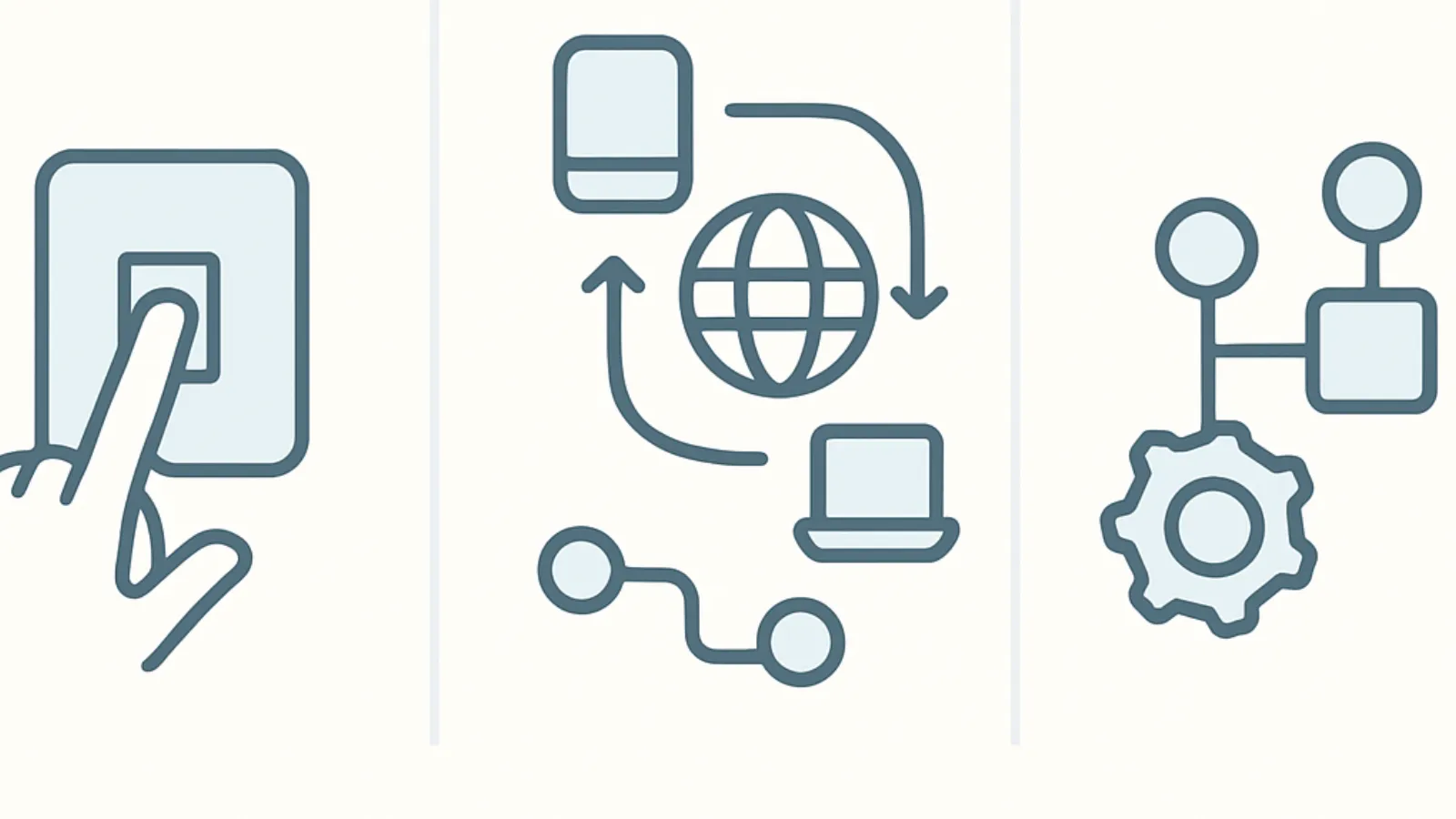
Before paying for a service call, these are the three checks that rule out the most common and expensive misdiagnoses. They take minutes, not tools, and often explain why an appliance looks broken when it isn’t.
3 Things to Check Before Calling a Technician
Check out this High-Level Appliance Checklist